SVG Wow!
This word is one line of code. Drag any point and watch the code change.
With a keyboard, focus the drawing. N and P choose a point, arrow keys move it, and Shift moves it farther.
From the gallery
See every demo
Camera
A virtual camera pans, turns and zooms across large SVG lettering by animating one group transform.
Animation. Vincent Hardy, SVG Wow! 2010.
Text Effects
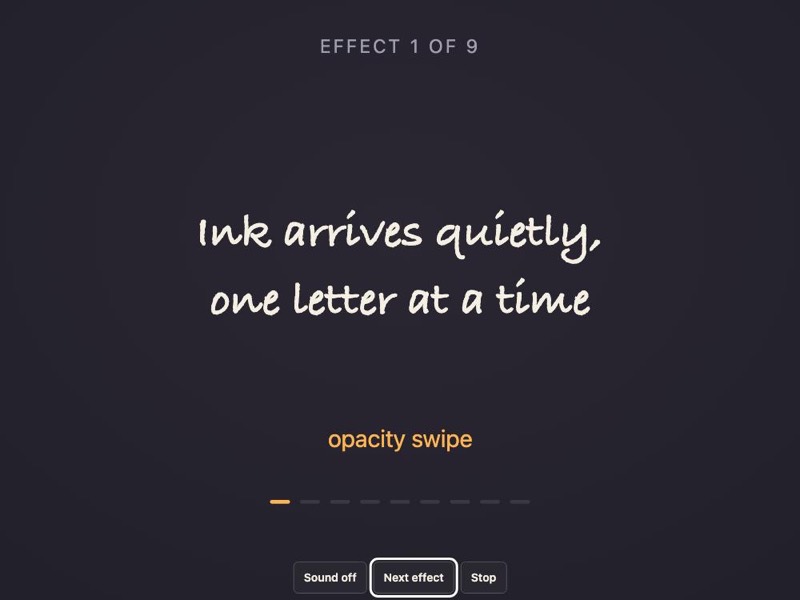
Nine effects split SVG text into single glyphs, then swipe, drop, bounce, spin, flip, shuffle and zoom them.
Animation. Concept by Vincent Hardy, SVG Wow! 2010.
Animated lyrics
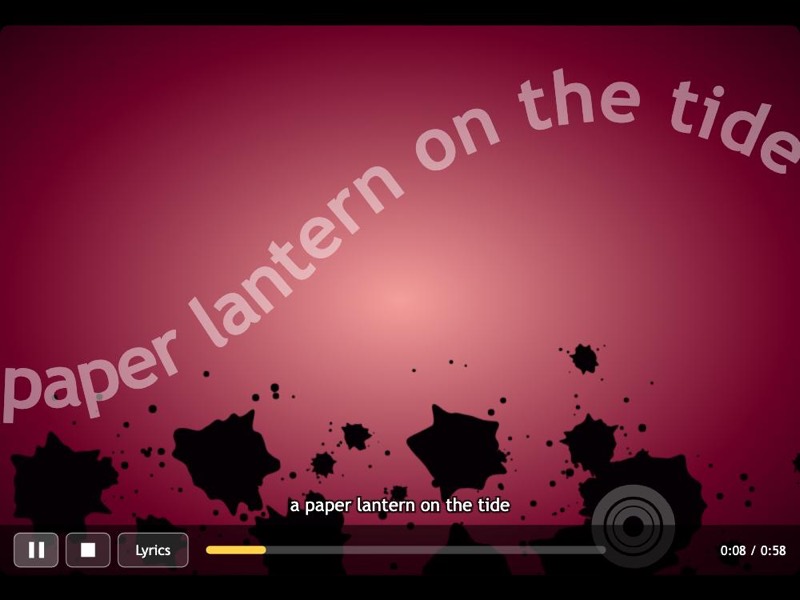
Song lines swell, turn and fade along a wavy SVG path while rings pulse on the beat, timed to music synthesized in your browser.
Animation. Original demo and animation code by Vincent Hardy, 2009, released under CC0.
Chiseled
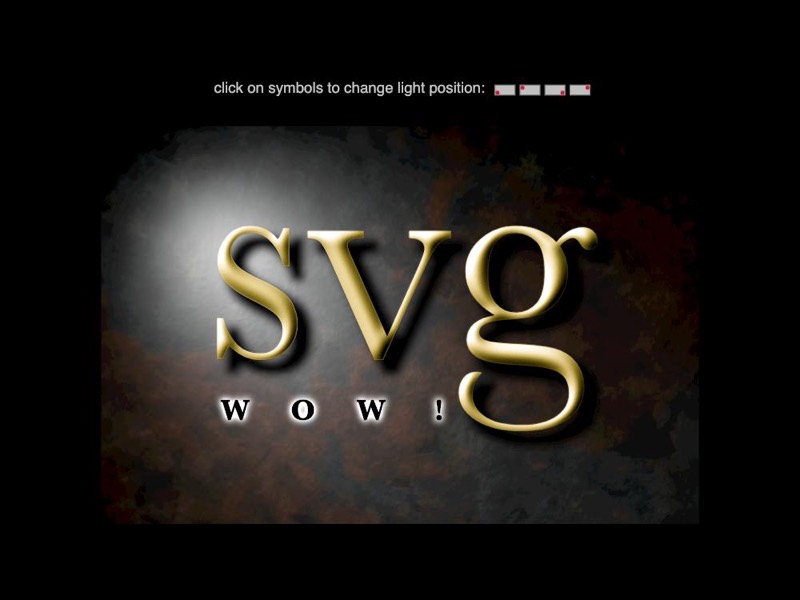
The word svg cut into gold on a weathered metal plate, built from one chain of SVG filter primitives with a light you can move.
Filters and effects. Vincent Hardy, SVG Wow! 2009, released under CC0.
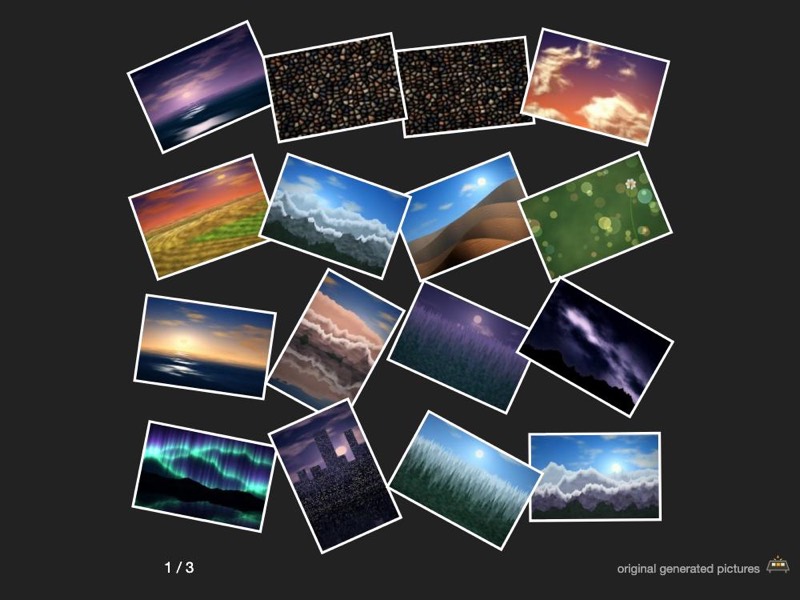
Light Table
A table of generated photographs with a magnifier that follows the pointer. Drag pictures to stack them.
Interaction. Vincent Hardy, 2009.
Learn how it works
Open the library- What is SVG? A practical introduction
SVG is an XML-based format for 2D vector graphics. Learn how it works, the three ways to put it on a page, and when another format is the better choice.
- SVG vs PNG and JPEG: choosing an image format
When to use SVG, PNG or JPEG: vector versus raster, lossy versus lossless, transparency, and a simple decision guide with live examples.
- SVG vs Canvas: retained shapes or drawn pixels
Compare SVG and the HTML canvas: retained DOM shapes versus immediate pixel drawing, with code, trade-offs and clear advice on which to pick.
- SVG vs WebGL: when you need the GPU and when you do not
SVG and WebGL solve different problems. See what each does well, where WebGL is the right call for 3D and heavy graphics, and why most UI graphics stay SVG.
- The SVG viewBox explained, with preserveAspectRatio
How the viewBox attribute maps your drawing to the screen, how to shift and scale the coordinate system, and how preserveAspectRatio fits it into any box.
- SVG paths: reading and writing the d attribute
Learn the SVG path commands (M, L, C, Q, A, Z), absolute versus relative coordinates, and how arc flags work, with live editable examples.
Make your first picture with code
All projects for beginners- Draw with shapes
Meet the circle, rectangle, ellipse, line and polygon, then stack them into a little house. A first SVG project with live examples you can change.
- Color a robot
Paint a friendly robot with SVG. Try color names, hex codes, rounded corners, see-through colors and a smooth gradient, one small change at a time.
- Make geometric patterns
Build rows, checkerboards and repeating tiles with SVG, then spin one petal into a flower. A pattern project for curious beginners.